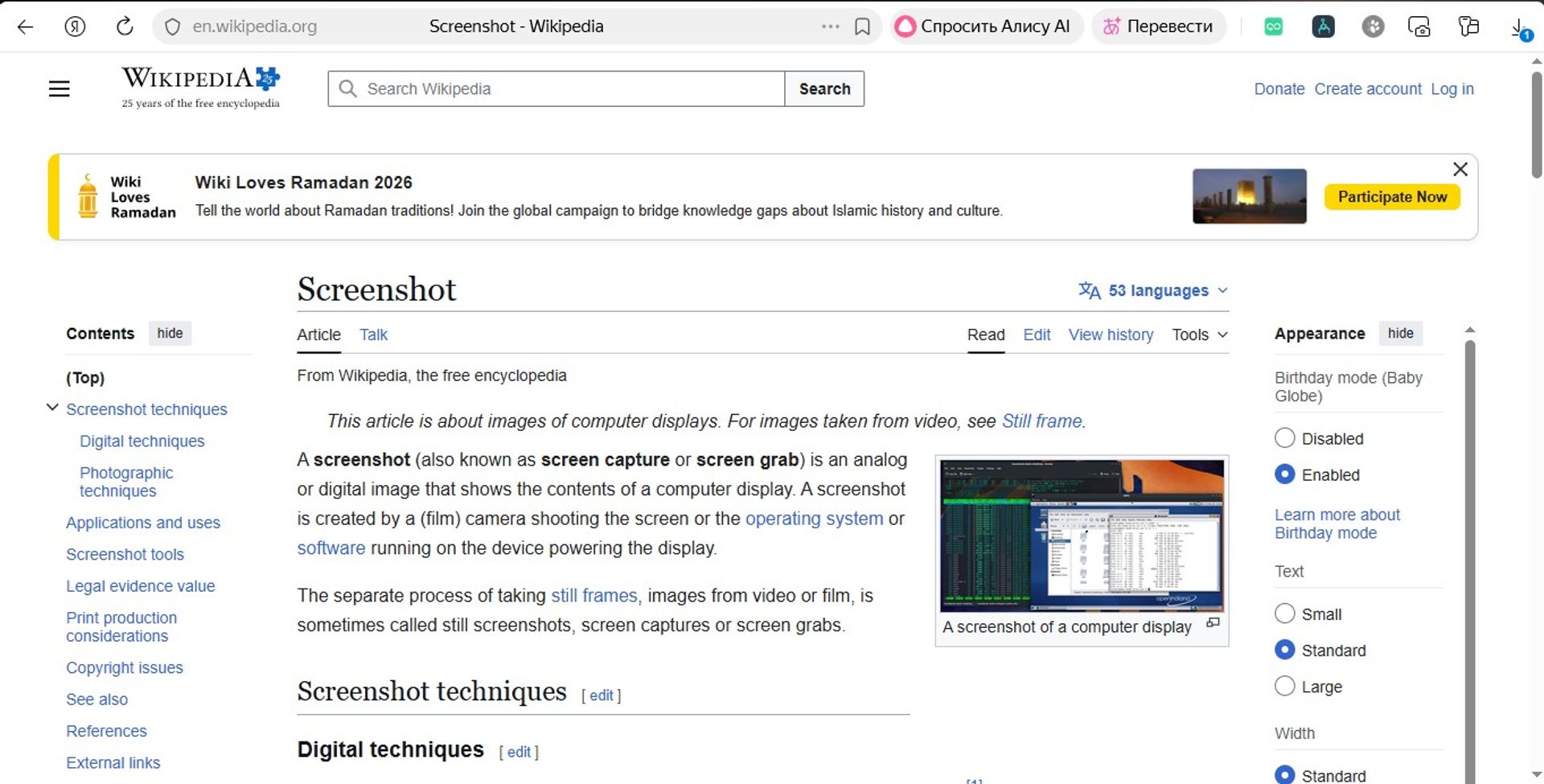
Tab Screenshot 2026 is a browser automation tool that allows you to quickly and conveniently create screenshots of a large number of web pages from a given list of links. The program is especially useful for channel monitoring, page archiving, content analysis, and creating visual reports.
🚀 What the Program Does
The program:
- Accepts a list of links (one per line)
- Opens each page sequentially
- Waits for a specified loading time
- Takes a screenshot of the page
- Saves the image to your computer
- Closes the tab
- Moves on to the next link
The process is fully automated and requires no manual interaction after launch.
📌 Key Features
📂 Bulk Link Processing
You can paste dozens or even hundreds of URLs — the program will process them one by one.
⏱ Adjustable Delay
You can set a waiting time before taking a screenshot (for example, 4000 ms) to ensure the page fully loads.
🖼 Screenshot Saving
- Format: PNG
- Quality: 100%
- Full-page screenshots
- Automatic saving to your computer
🔁 Automatic Processing Cycle
Each link is processed using the same algorithm, eliminating manual copy errors or skipped pages.
⚙️ How the Program Works (Simple Explanation)
-
You manually start the script.
-
You paste the list of links.
-
The program automatically:
- Opens the link
- Waits for it to load
- Takes a screenshot
- Closes the tab
- Proceeds to the next link
No unnecessary actions — everything happens automatically.
🎯 Who It’s For
The program is useful for:
- Content creators
- Analysts
- SMM specialists
- Those who monitor YouTube channels
- Those who build visual page archives
🛡 Reliability
- Execution stops safely in case of an error (without data corruption)
- Execution logging is supported
- Automatic restart capability
📦 Example Use Case
If you have a list of YouTube channels or other web pages, the program can generate an up-to-date set of screenshots for each page within minutes.
This is useful for:
- Reporting
- Capturing the current state of a page
- Comparing changes
- Archiving
🧩 Summary
Tab Screenshot 2026 is a simple yet powerful tool for automatically creating screenshots of web pages from a list of links.
It eliminates routine manual work, speeds up workflows, and ensures clean, consistently formatted page images without manual effort.